Cursor
AI-powered code editor for game development
FreemiumVerifiedCoding and Scripting

AI pair programmer for Unity, Unreal, and Godot
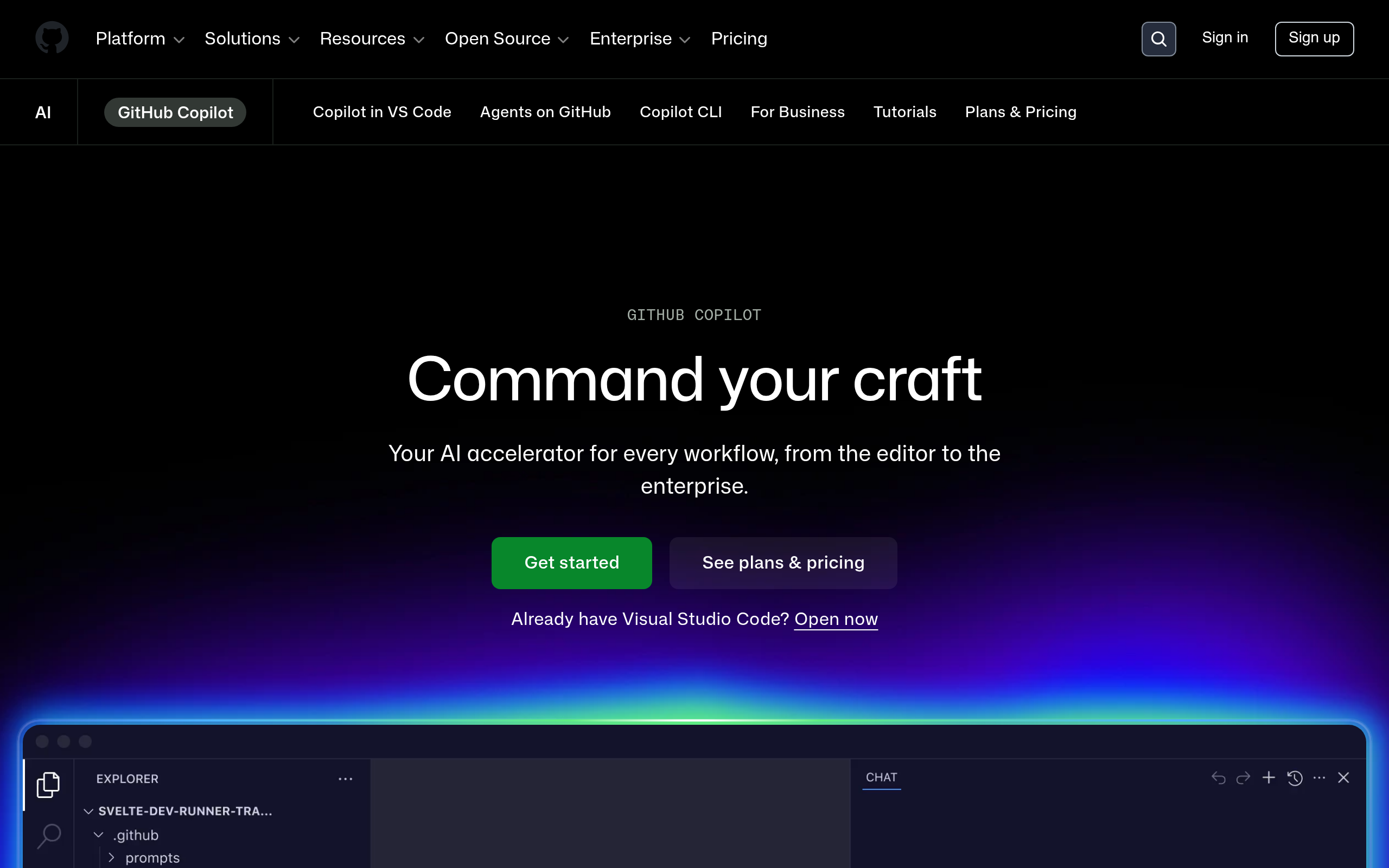
GitHub Copilot provides inline code completion and chat inside VS Code and JetBrains IDEs. A solid choice for game programmers who want AI assistance without switching editors.
Paid
Individual and business plans; free for verified students/OSS maintainers.
No restriction on game code you write; standard Copilot terms apply.
The complete guide to using AI with Godot Engine — GDScript autocomplete, AI-assisted level design, NPC dialogue, and the best AI coding tools that actually understand GDScript.
Read article →A practical comparison of Cursor, GitHub Copilot, and Windsurf for indie game developers — which AI coding tool fits Unity, Godot, or Unreal Engine workflows best?
Read article →How solo devs use Qodo and AI coding assistants to catch bugs, generate tests, and stress-test systems before launch.
Read article →
Multi-agent AI platform for Unreal Engine 5 and Unity with EngineSwap and 2,000+ tools

General AI assistant for game design, code, and writing

AI assistant for game design docs, dialogue, and code

AI NPC platform with vision, embodied animations, and 65-language voice for Unity and Unreal