
Leonardo AI
Fast AI image generation for game concepts and assets
FreemiumVerifiedArt Directionanimerealistic

Convert images to pixel art for retro games
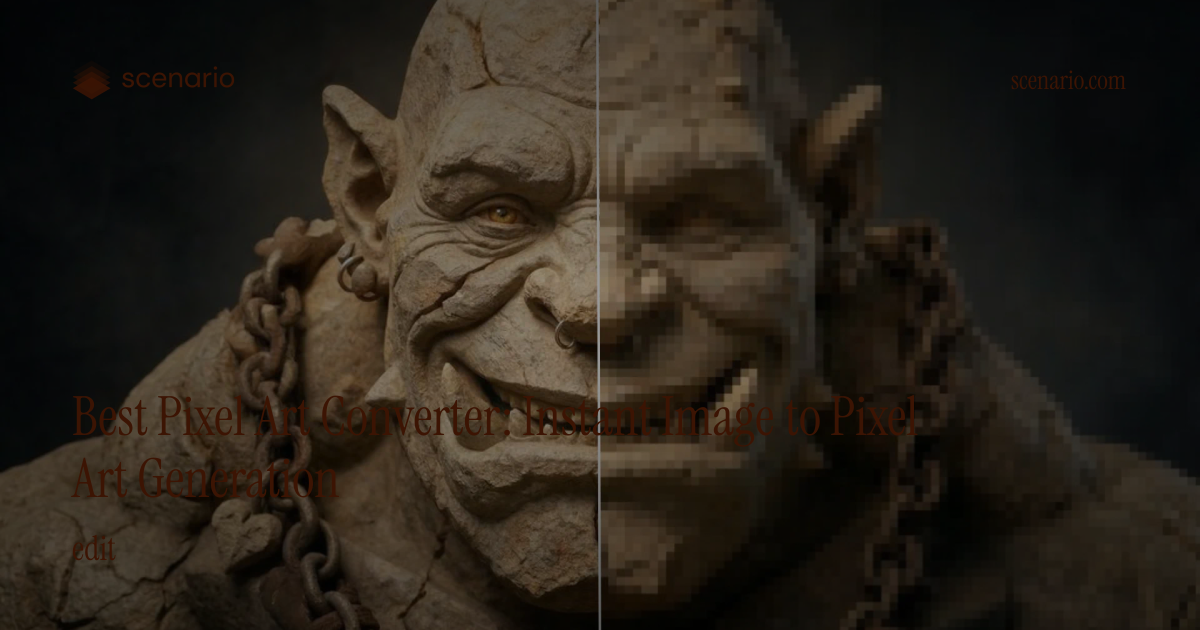
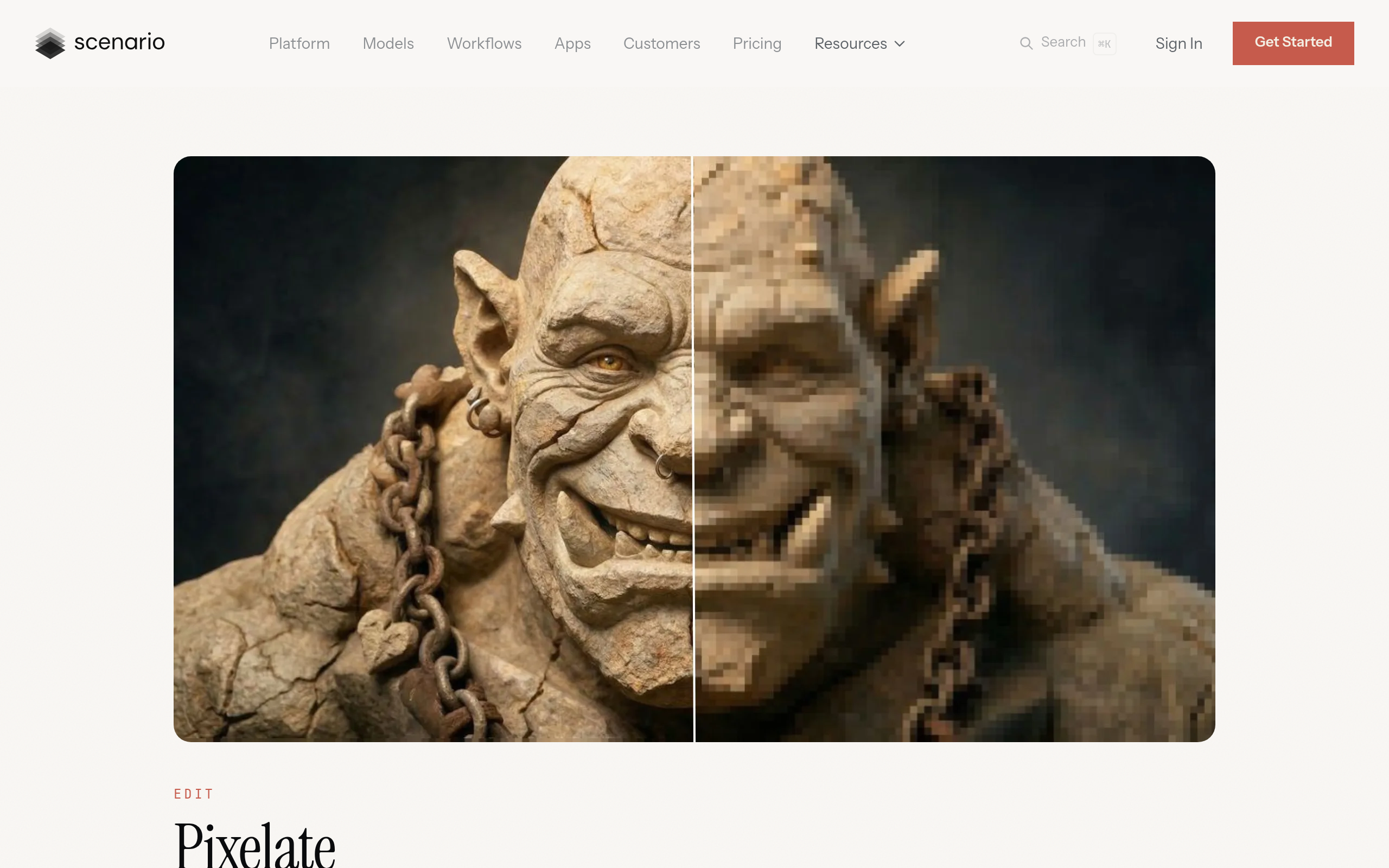
Pixelicious converts reference images into pixel art styles, useful for indie developers building retro platformers, roguelikes, and Game Jam projects that need quick pixel asset drafts.
Free
Verify current site terms; free web tools often allow personal and commercial use but confirm before shipping.
Fast AI image generation for game concepts and assets

AI asset generator built for game art pipelines
A complete playbook for using free-tier AI tools in a 48-hour game jam — covering art, audio, code, and writing with zero budget.
Read article →Step-by-step guide to generating game-ready sprite sheets with AI tools — covering Scenario, Leonardo AI, and Stable Diffusion workflows for Unity and Godot.
Read article →A curated list of free and freemium AI tools that indie game developers can actually use without a budget — covering art, audio, code, and writing.
Read article →
Free AI auto-rigging tool by Reallusion — actively developed Mixamo alternative

Adobe's AI art generation for game concept art and marketing assets

Fine-tune AI image models on your game characters for perfect consistency

AI skybox and 360° environment generation for games